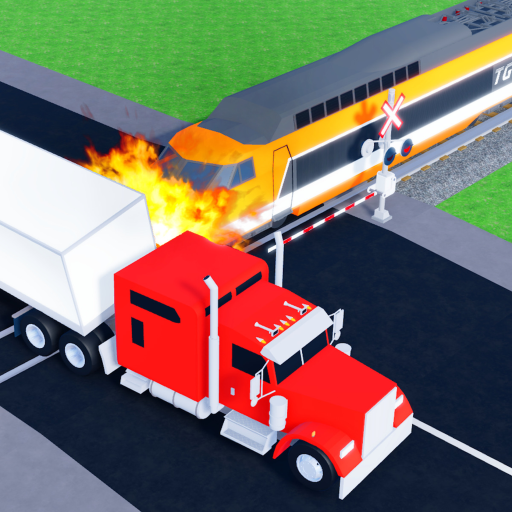
Train Crash Simulator Wiki
Last verified: 2026-06-28

Train Crash Simulator Codes (June 2026)

Copy the current best-known Train Crash Simulator code, check the reward, and use the source notes before you spend Coins or Gems.

Active Codes

Working codes to check first

Codes are freshness-sensitive. IMCOOL is reported by Roblox Den and should be rechecked in-game before final deployment.

IMCOOL

Needs check

Red and Black VIP BR Engine

Checked from Roblox Den on 2026-06-28

Redeem flow

How to redeem codes

Use the in-game Toolbox and Rewards flow reported by current code sources.

  1. 1. Open Train Crash Simulator from the official Roblox page.
  2. 2. Open the Toolbox menu.
  3. 3. Choose Rewards.
  4. 4. Paste the code exactly, then redeem it.
Why these codes matter

Use your rewards well

The reported IMCOOL reward is an engine, so check the tier-list notes and unlock planner before treating it as your main goal.

Expired Codes

Expired and removed codes

No expired Train Crash Simulator codes are confirmed yet. This section stays visible so old codes can be checked instead of silently disappearing.

No confirmed expired codes yet.

FAQ

Code questions

How do I redeem Train Crash Simulator codes?

Open the Toolbox, choose Rewards, enter the code exactly, then redeem it in-game.

Why is my Train Crash Simulator code not working?

The code may be expired, already redeemed, typed with the wrong casing, or waiting for a newer server. Rejoin and try copying it exactly.

What does IMCOOL give in Train Crash Simulator?

Roblox Den reports that IMCOOL gives a Red and Black VIP BR Engine. We still mark it Needs check until a same-day live verification is done.

How often are new Train Crash Simulator codes checked?

Codes should be checked every 6 to 12 hours while the game is fresh, then updated with a visible checked date.

Next checks

More Train Crash Simulator pages

Codes are only one part of the launch surface. Use these pages to check rewards, sources, and unlock planning.