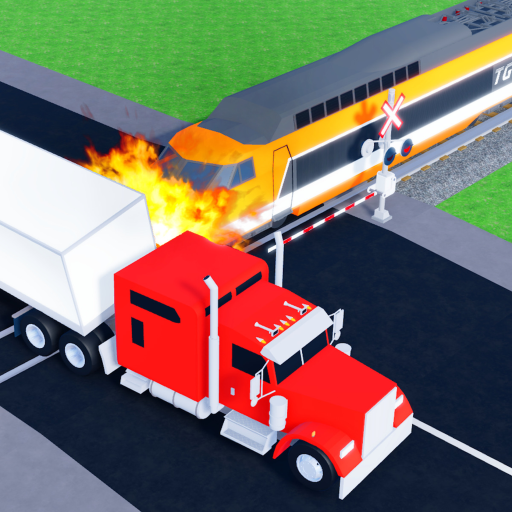
Start with the official game loop
Begin with a train you can access, choose one visible crash scenario, and complete a mission. The official description confirms missions award Coins and Gems, but it does not publish exact rates or a fastest route.
- Join from the official Roblox listing.
- Keep one scenario constant while learning how your train behaves.
- Record the mission, result, Coins or Gems shown, and time without inferring a universal rate.
Check rewards before planning
Codes and promotional rewards can change quickly. If a public source lists a reward, treat it as a lead until the game accepts it or a trusted source confirms the current status.
- Use the codes page for current reward notes.
- Keep expired or disputed code claims separate.
- Do not build a progression plan around an unverified reward.
Make crash testing repeatable
When comparing crashes, keep your route, train choice, timing, and outcome notes consistent. This makes your own results more useful than a random highlight clip.